X402 endpoints and the nft metadata limits to account for
The x402 protocol introduces a payment layer to standard API calls, but it does not solve the fundamental latency of on-chain data. When you use an x402 endpoint to trigger an NFT metadata refresh, you are paying for an off-chain indexing update, not an immediate blockchain state change. This distinction matters for AI agents that require real-time accuracy for commerce decisions.
Most NFT marketplaces and indexers cache metadata to reduce gas costs and API load. When an agent calls a refresh endpoint, the request is queued. The metadata updates only after the indexer processes the block. If your agent assumes instant availability, it may display stale pricing or attributes, leading to failed transactions or mispriced sales.
To avoid this, your x402 implementation must include a verification step. After the payment is confirmed, the agent should poll the metadata status or wait for a webhook event from the indexer. This adds a small delay but ensures the AI agent is operating on current data. Relying on the x402 response alone as proof of updated metadata is a common pitfall that breaks automated commerce workflows.
X402 endpoints and nft metadata choices that change the plan
Before routing AI agent transactions through x402 endpoints to refresh NFT metadata, you must weigh the operational tradeoffs. The goal is to keep metadata current for monetization without incurring unnecessary gas costs or latency that breaks the agent's real-time decision loop.
Not all refresh endpoints are created equal. OpenSea and Alchemy offer distinct behaviors for Ethereum, while Solana requires a different SDK approach. Your choice dictates how your agent handles state synchronization.
| Provider | Chain | Latency | Cost | Scope |
|---|---|---|---|---|
| OpenSea | Ethereum | High (queued) | Free | Single token |
| Alchemy | Ethereum | Medium (cached) | API tier | Single token |
| Metaplex JS | Solana | Low (direct) | Gas only | Single token |
| Thirdweb | Multi | Medium | Gas only | Bulk/Drop |
The primary tradeoff is between caching freshness and transaction cost. OpenSea’s queue is free but slow, making it unsuitable for high-frequency agent trades. Alchemy’s API is faster but consumes your monthly request quota. For Solana, direct SDK updates are cheaper but require more complex client-side logic.
When selecting an endpoint, prioritize the one that aligns with your agent’s update frequency. If you need real-time price accuracy for an AI-driven sale, use Alchemy or direct SDK calls. If you are updating metadata for archival purposes, OpenSea’s queue is sufficient. Always test the latency in a sandbox environment before routing live x402 payments.
Choose the next step: Turn the research into a practical decision framework
Integrating x402 endpoints for NFT metadata refreshes requires a clear operational workflow. This guide breaks down the process into actionable steps, helping you update token data efficiently while avoiding common pitfalls.
Step 1: Verify Endpoint Compatibility
Before initiating a refresh, confirm that your NFT collection supports the specific endpoint you intend to use. OpenSea and Alchemy offer distinct methods for updating metadata, each with different requirements and supported chains.
Check if your NFT is hosted on OpenSea or indexed by Alchemy. OpenSea’s refresh endpoint updates information directly from the blockchain, while Alchemy’s endpoint refreshes cached metadata. Ensure your target platform supports the specific chain you are working with, such as Ethereum Mainnet.

Gather the updated token URI or metadata fields you need to push. For x402-compatible endpoints, ensure your payload adheres to the required OpenAPI schema. Double-check that all image URLs and attribute values are correctly formatted to prevent validation errors during the refresh request.
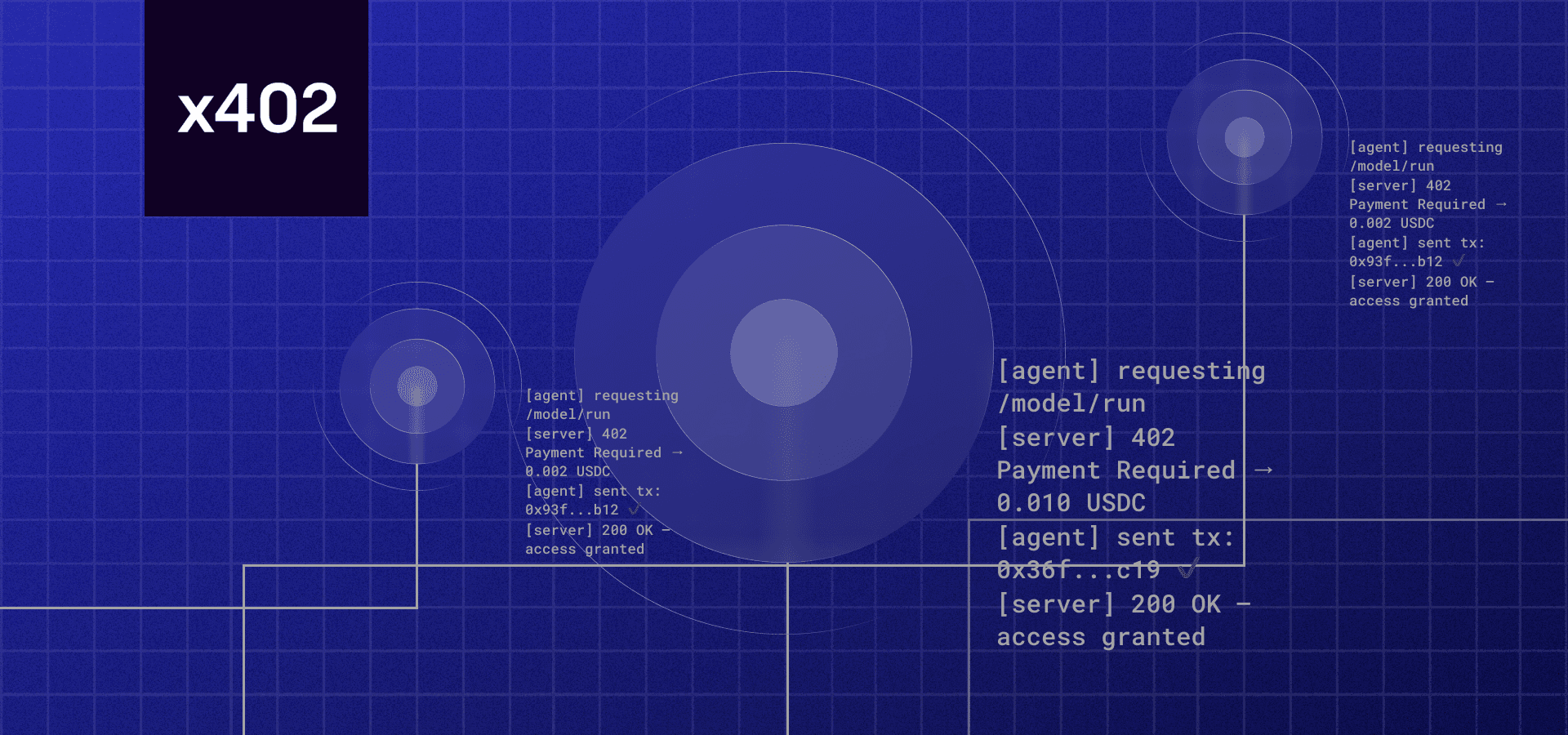
Send the POST request to the appropriate endpoint with your authentication credentials. Monitor the response code to confirm the refresh was queued successfully. If you encounter rate limits or server errors, wait before retrying to avoid being temporarily blocked.
After the request completes, verify that the metadata has updated on the marketplace or explorer. Check the token’s details page to ensure the new image, name, or attributes are visible. If the data hasn’t changed, wait a few minutes as caching layers may require additional propagation time.
Common Mistakes and Fixes
One frequent error is attempting to refresh metadata on unsupported chains. Always confirm chain compatibility before sending requests. Another issue is malformed JSON payloads; use a linter to validate your data structure before execution.
Proof Checks
Refer to the official OpenSea documentation for specific endpoint details and rate limits. For technical implementation, consult Alchemy’s NFT API reference to ensure your integration aligns with their current standards. These primary sources provide the most accurate and up-to-date information for your workflow.
Watch for Misleading Claims on NFT Metadata Refresh
Many guides treat the refreshNftMetadata endpoint as a magic wand that instantly syncs on-chain data to marketplaces. This is a common mistake. The endpoint only updates the provider’s cache; it does not force immediate propagation to OpenSea, Blur, or other aggregators. Relying on this endpoint for real-time pricing accuracy will lead to stale listings.
Weak Options and Common Pitfalls
1. Assuming Universal Support The Alchemy refresh endpoint is strictly limited to Ethereum Mainnet. It does not work on Polygon, Arbitrum, or Solana. If you are managing multi-chain assets, this single endpoint will fail silently for non-Ethereum tokens, leaving metadata outdated without alerting you.
2. Ignoring Rate Limits
Bulk refreshing triggers API rate limits quickly. Sending hundreds of requests per second will result in 429 Too Many Requests errors. Instead of blasting requests, queue them asynchronously with exponential backoff. This prevents temporary bans that can stall your entire metadata update cycle.
3. Overlooking Gas Fluctuations While the refresh call itself is off-chain, the underlying token updates require on-chain transactions. If you are triggering these via an agent, failing to account for current gas prices can make small-value metadata updates economically unviable. Always check the current gas price before initiating a batch.
Proof Checks Before Monetizing
Before linking these endpoints to an AI agent’s monetization flow, verify the cache status directly. Use the getNftMetadata endpoint to confirm the timestamp of the last refresh. If the cache is stale, the refresh endpoint is the correct next step. If it is fresh, the delay lies with the marketplace indexer, not your API call.
X402 endpoints for nft metadata refresh: what to check next
X402 endpoints enable AI agents to automatically update NFT metadata and process payments in a single transaction. This capability turns static digital assets into dynamic, monetizable data streams. Before integrating these endpoints into your commerce workflow, consider these practical constraints and implementation details.
No comments yet. Be the first to share your thoughts!