Why agents need fresh metadata
NFT metadata is static by default, but the assets themselves are not. When an agent needs to verify ownership, check rarity traits, or execute a trade, it relies on the JSON file pointing to the current state of the token. If that pointer is stale or the data hasn't been updated since minting, the agent is working with outdated information. This breaks automated workflows, leading to failed transactions or incorrect valuations.
The problem isn't just technical; it's economic. Agents cannot trade or verify assets accurately without up-to-date metadata. x402 endpoints turn this necessity into a revenue stream by allowing smart contracts or API gateways to charge for real-time data access. Instead of relying on free, often delayed, public endpoints, agents can pay micro-transactions via x402 to fetch the latest verified state directly from the source.
This shift ensures that every query returned by an endpoint is current. For high-stakes commerce, where a fraction of a second or a byte of incorrect data can mean significant loss, this reliability is non-negotiable. By monetizing the refresh process, creators incentivize the maintenance of accurate, live metadata, solving the stale data problem at its root.
Set up the x402 facilitator
Before you can gate your NFT metadata refresh endpoint with USDC, you need a facilitator. Think of this facilitator as the toll booth operator. It doesn't generate the content; it simply verifies that the payment has cleared before letting the request through to your API.
You have two primary options for this setup: Thirdweb or the Coinbase Developer Platform (CDP). Both integrate with the x402 protocol to handle the complex cryptography of payment verification over HTTP. Thirdweb is often preferred for its developer-friendly SDKs, while the CDP offers deep integration with Coinbase's infrastructure and its Bazaar discovery layer.
Choose your facilitator
Start by selecting the provider that matches your existing stack. If you are already using Thirdweb for contract deployments, sticking with their x402 facilitator keeps your environment consistent. If you are building a high-volume service that needs to be discoverable by AI agents, the Coinbase CDP Bazaar provides a built-in discovery layer that helps agents find your x402-enabled services.
Install dependencies
Once you have chosen a provider, install the necessary SDKs. For Thirdweb, you will typically use their @thirdweb-dev/sdk or specific x402 packages. For Coinbase, you will interact with their CDP node SDK. Ensure you have your API keys and wallet credentials configured in your environment variables. This step is critical because the facilitator needs to sign transactions on behalf of your service to prove payment receipt.
Configure the middleware
The final step is wrapping your API route with the facilitator's middleware. This middleware intercepts incoming requests, checks for the x402 payment header, and validates the transaction on-chain. If the payment is valid, the request proceeds to your metadata logic. If not, the facilitator returns a 402 Payment Required error.

Decide between Thirdweb and Coinbase CDP based on your current infrastructure and need for discovery services.
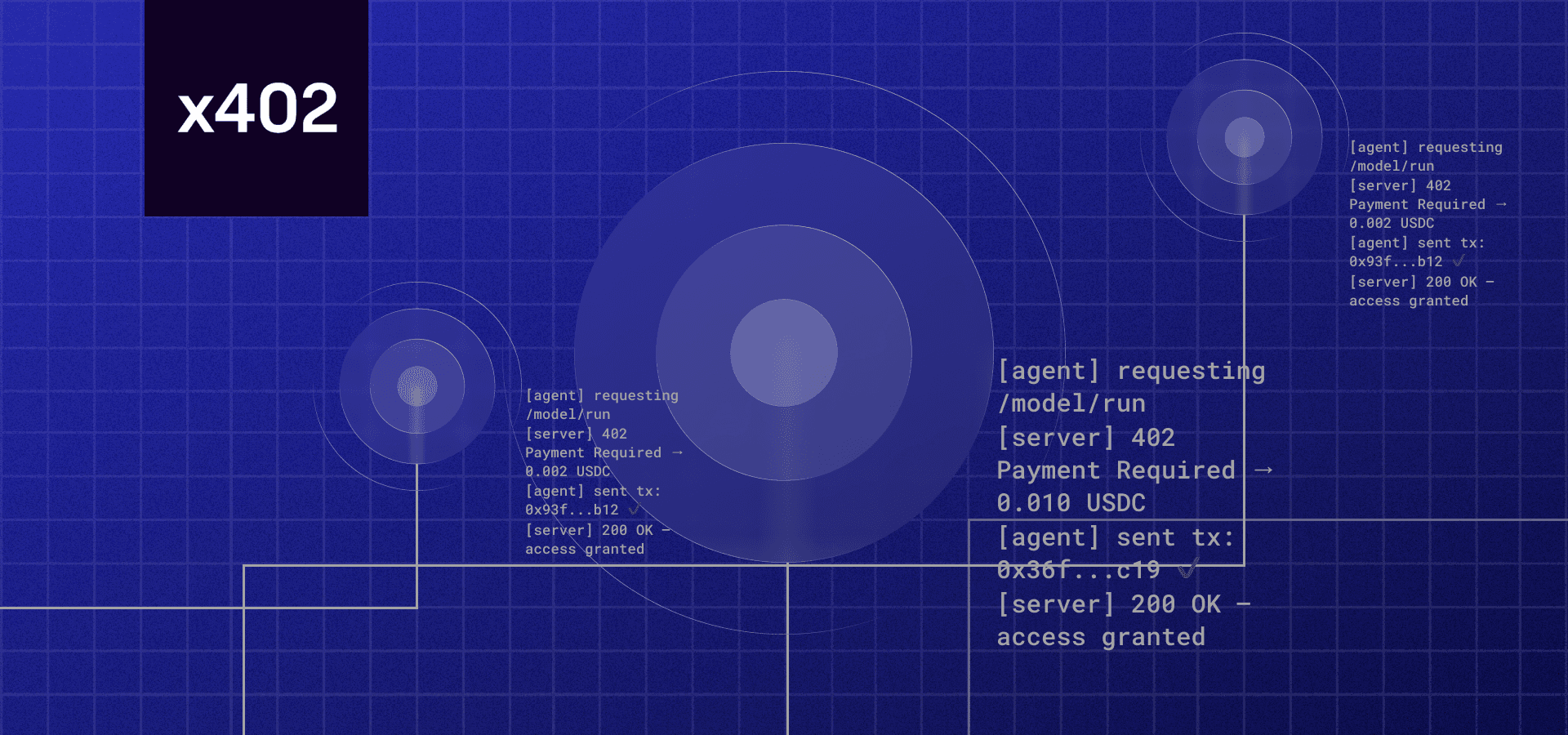
Add the facilitator's SDK to your project and configure your environment variables with your API keys and wallet credentials.
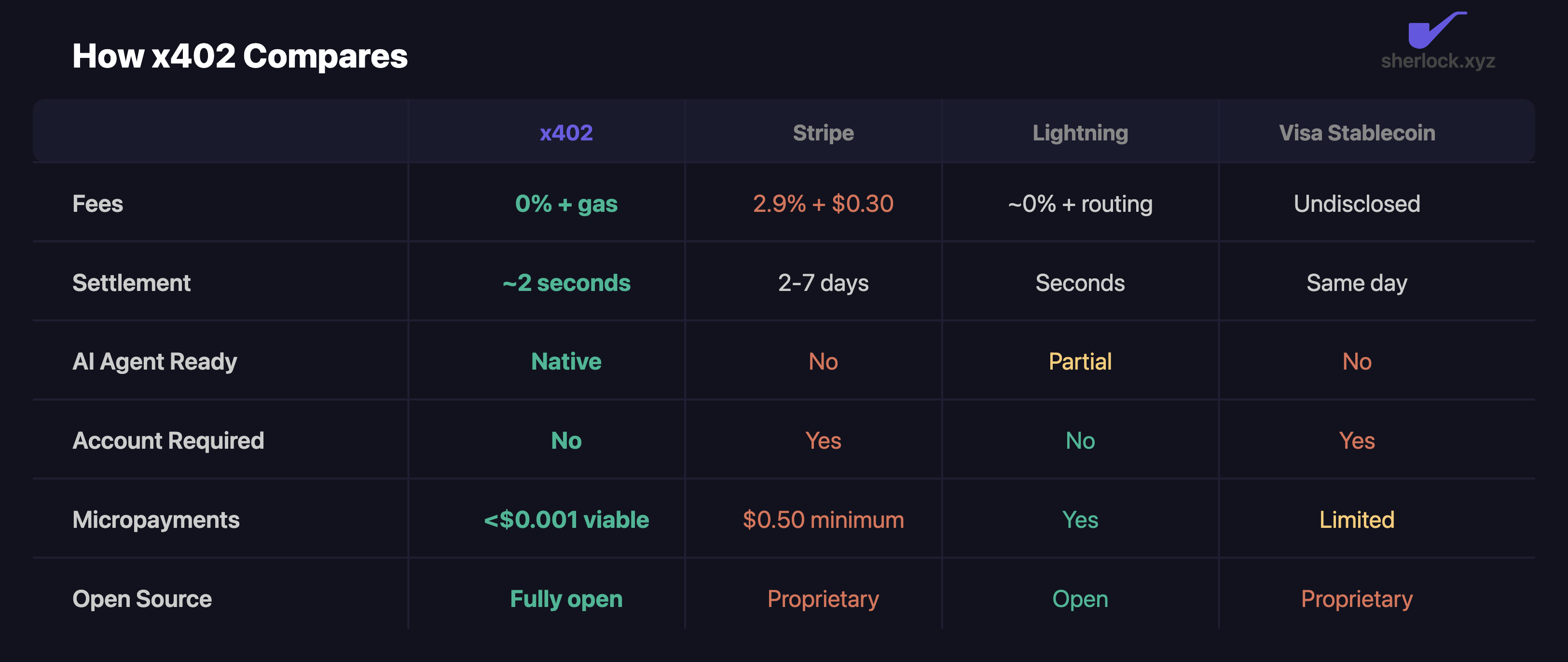
Implement the middleware that intercepts requests, validates the x402 payment header, and forwards valid requests to your metadata logic.
| Provider | Best For |
|---|---|
| Thirdweb | Developer experience and SDK integration |
| Coinbase CDP | Discovery via Bazaar and enterprise infrastructure |
The facilitator handles the heavy lifting of on-chain verification. Your job is to ensure your API logic remains clean and focused on serving the NFT metadata, not managing payment state. By offloading this to a dedicated facilitator, you reduce the risk of security vulnerabilities and ensure that your payment-gated access is robust and reliable.
Integrating the refresh endpoint
To make x402 work for NFT metadata, you need to place a payment gate directly in front of the standard refresh endpoints used by major indexers. Without this guard, any agent can fetch fresh data for free, draining your resources and leaving your marketplace with stale listings. By wrapping these calls, you turn data freshness into a paid utility.
The process involves intercepting the request, validating the x402 payment, and then forwarding the call to the provider. This ensures that only agents with sufficient credit or completed transactions receive the updated metadata.
Start by selecting the indexer that hosts your NFT data. OpenSea and Alchemy both offer dedicated endpoints for this purpose. OpenSea provides a standard refresh endpoint available in their API docs that queues an update for a specific NFT. Alchemy offers a similar v3 endpoint that submits a request to refresh cached metadata, primarily supporting Ethereum mainnet. Choose the one that matches your network and data structure.
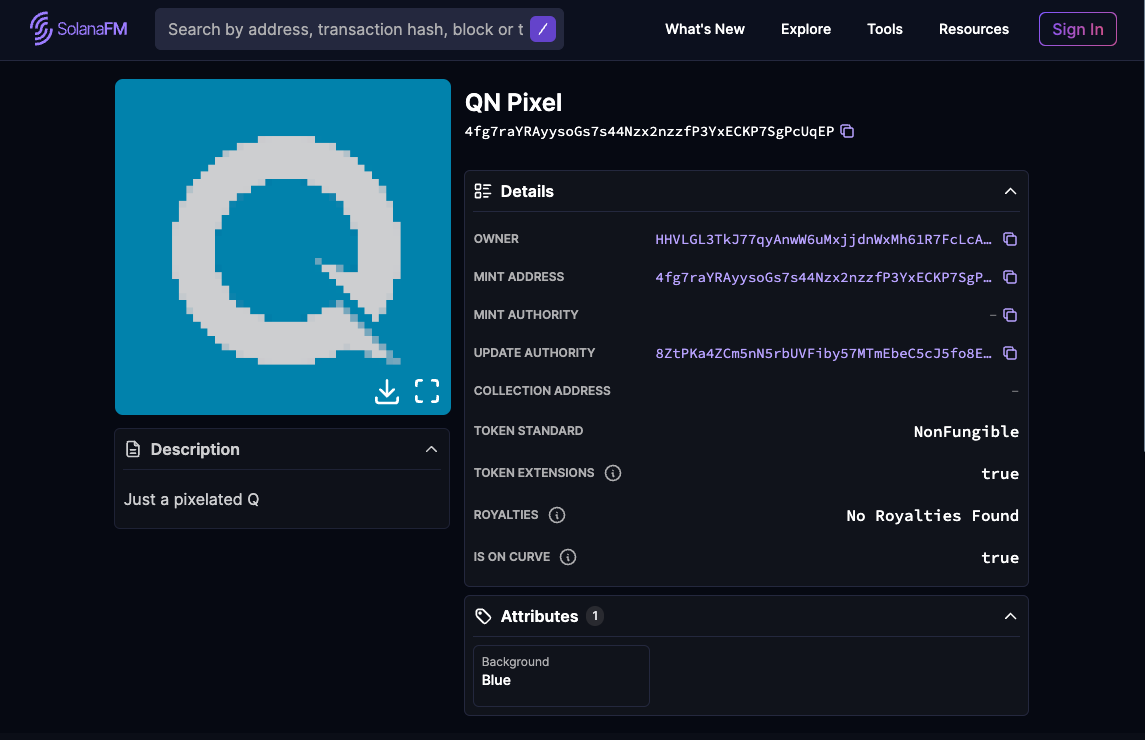
Set up your middleware to intercept requests directed at the refresh path. Instead of allowing the request to pass through to the indexer immediately, pause execution. Your gateway needs to validate the incoming x402 payment header or transaction signature. This step acts as the toll booth; if the payment isn't verified or the agent lacks sufficient funds, the request is rejected before it ever touches the indexer's servers.

Once the x402 payment is confirmed, forward the original request to the indexer's endpoint. Pass along any necessary authentication keys or parameters that the indexer requires. This ensures the metadata update is processed correctly and the NFT's information is updated on the blockchain or the indexer's database. The response from the indexer is then returned to the agent, confirming the refresh or providing an error code if the update failed.
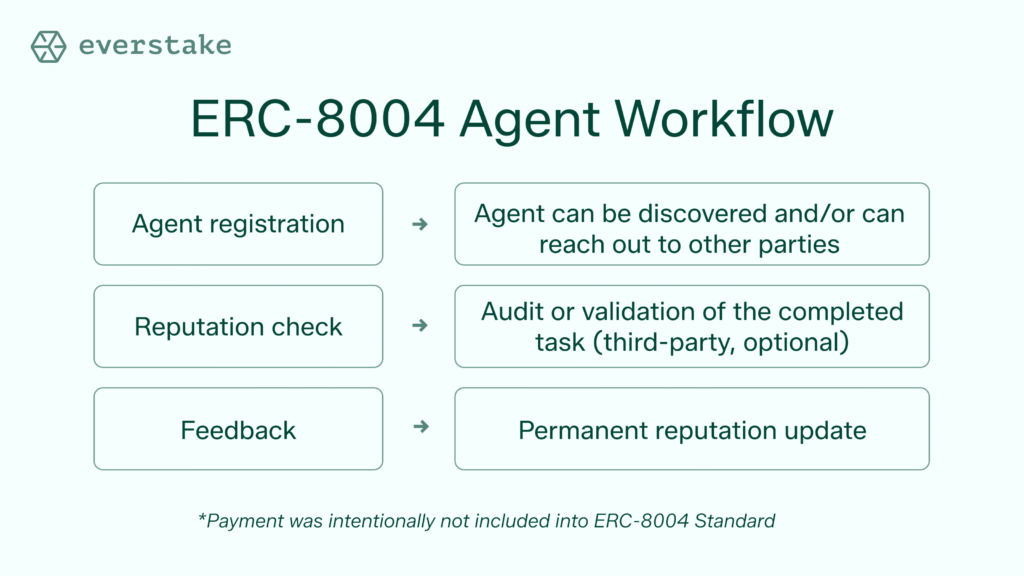
Monitor the response from the indexer. If the refresh is successful, log the transaction for auditing purposes. If the indexer returns an error, relay it to the agent but ensure the payment is still deducted. This prevents agents from retrying the request indefinitely without paying. You may also want to implement a rate limit per agent to prevent abuse, ensuring that one heavy user doesn't monopolize the refresh capacity for the entire network.
This setup creates a sustainable loop where data freshness is directly tied to economic activity. Agents pay for the utility they consume, and the indexer receives guaranteed traffic from paying users. This model scales better than free access, as it aligns the cost of infrastructure with the value delivered to the end user.
Handling Errors and Retries
Even with a well-structured request, API calls can fail. For an x402 endpoint, reliability isn't optional—it's the baseline. You need a strategy that distinguishes between a temporary glitch and a fatal error.
Common HTTP Errors
When refreshing NFT metadata, you will likely encounter three specific status codes. Understanding them prevents unnecessary panic and wasted retries.
A 401 Unauthorized error means your authentication token is missing, expired, or invalid. The API cannot verify your identity, so it blocks the request. This is a configuration issue, not a network problem. Check your headers and ensure your credentials are fresh.
A 403 Forbidden response indicates that your token is valid, but you lack permission for this specific NFT or collection. This often happens if you haven't signed the required transaction with the correct metadata key. Review your access controls and signature requirements.
A 409 Conflict usually arises when you attempt to refresh metadata that is already being updated or is locked by another transaction. This is a race condition. It signals that the state of the NFT has changed since you initiated your request.
Implementing Retry Logic
For transient errors like 409 or temporary network timeouts, exponential backoff is your best friend. Do not retry immediately. Wait a short interval, then try again. If it fails, wait longer. This prevents hammering the API during congestion.
However, never retry on 401 or 403 errors. Retrying these will only waste resources and potentially trigger rate limits. Instead, log the error, alert your system, and pause the refresh process for affected assets until the underlying issue is resolved.
Validate the metadata update
After submitting the refresh, you need to confirm the data landed correctly. x402 endpoints handle the payment and execution, but the on-chain state is what matters for downstream agents and marketplaces.
First, verify the JSON schema compliance. Use the Metadata Validator to check your new metadata against HIP-412 standards. This ensures the structure is valid before any agent tries to parse it.
Next, check the timestamp. A successful update should reflect the current block time or the transaction hash in the metadata URI. If the timestamp is stale, agents might cache the old version, leading to display errors.
Finally, confirm agent receipt. Most NFT agents poll the metadata URI at set intervals. Test the endpoint by querying it directly. If the response returns the new data within a few seconds, the refresh is successful and ready for consumption.
Common questions about x402 and NFTs
Here are the answers to the most frequent technical questions about updating and validating NFT metadata.
How do I update NFT metadata?
To update metadata, you must submit a TokenUpdateNftsTransaction on the Hedera network. This transaction requires a digital signature from the NFT's metadata key. If the key doesn't match, the transaction fails. The new metadata must be a valid byte array and is strictly limited to 100 bytes.
How do I refresh metadata?
For platform-specific updates, you can use the refresh endpoint to queue a metadata refresh for a specific NFT. This process pulls the latest information directly from the blockchain. There is no documented request body required for this operation.
How do I check NFT metadata?
You can validate your metadata against the HIP-412 (NFT Token Metadata JSON Schema v2) standards using the Metadata Validator. This tool ensures proper representation by allowing you to upload a CSV file, a single JSON file, or a zip file containing multiple JSON files for batch validation.
No comments yet. Be the first to share your thoughts!