Set up your x402 payment gateway
Connect your environment to the x402 payment protocol to enable automated NFT metadata refreshes. This gateway acts as the toll booth for API calls, ensuring every request is backed by a valid micro-payment.
Install the official x402 client library: npm install @x402/sdk. Import it into your agent script to establish the baseline connection for signing payment payloads.
Inject your wallet private key or connect via a supported provider. The gateway needs these credentials to sign payment proofs. Verify the wallet is funded with the native token for gas fees on your target chain.

Create the x402 endpoint configuration object. Define the cost per refresh and the recipient address. This endpoint validates incoming payment proofs before allowing metadata update logic to execute.
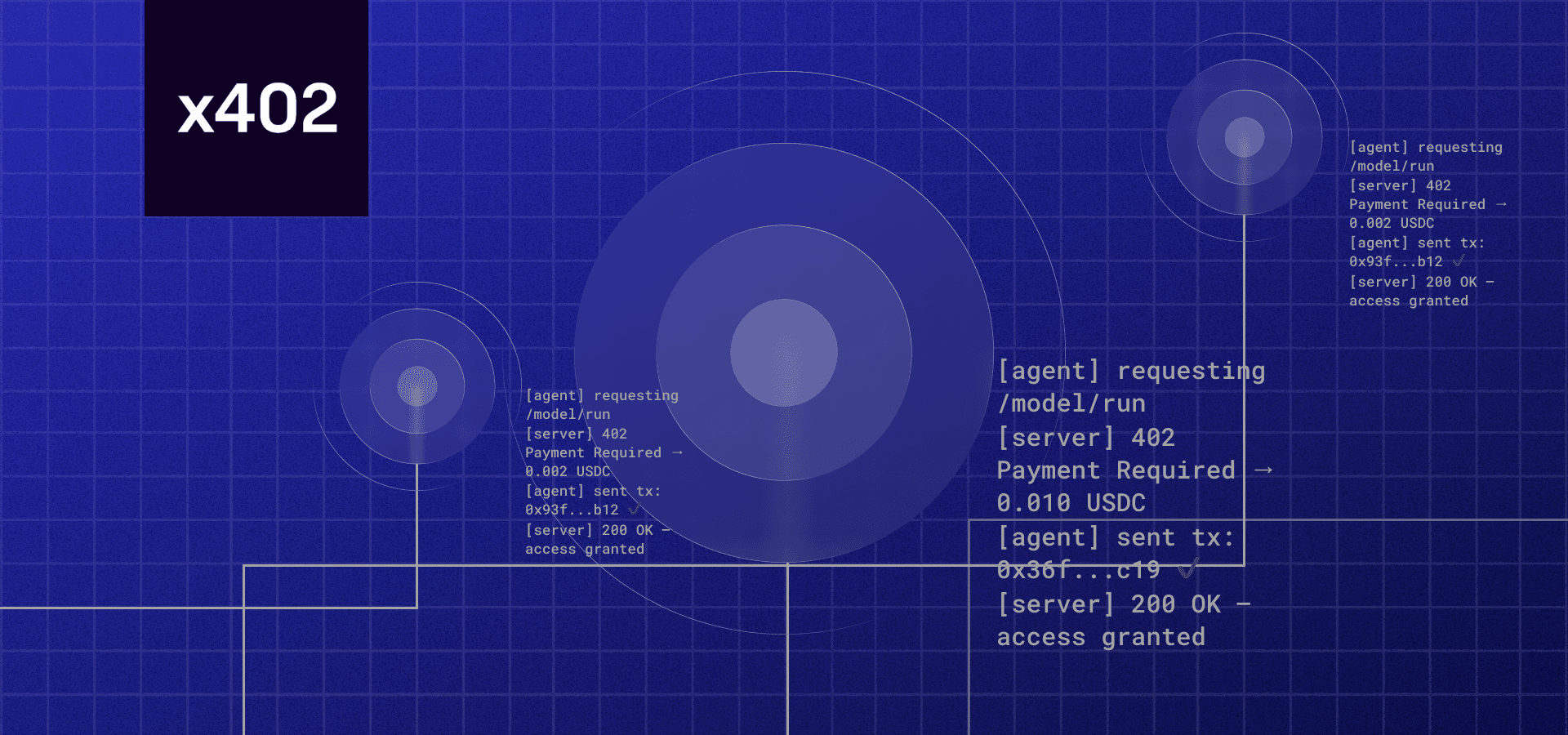
Run a dry-run transaction to verify the gateway processes payment proofs correctly. Check logs for signature errors or gas estimation failures. Once confirmed, your gateway is ready for live requests.
Define the metadata refresh endpoint
Build a dedicated API route to accept agent requests. This endpoint bridges agent execution logic and blockchain infrastructure, verifying credentials before triggering a refresh.
We use a standard Express.js structure. The endpoint accepts a POST request with tokenId and contractAddress, forwarding this to the Alchemy NFT API to update the on-chain metadata cache.
Create router.post('/api/nft/refresh') in your server file. Configure your server to parse JSON payloads so it can read the token details sent by the agent.
Verify the request includes a valid tokenId and contractAddress. Implement an authentication check, such as verifying an API key or a signed message from the agent, to prevent unauthorized updates.
Use axios or fetch to send a POST request to the Refresh NFT Metadata v3 endpoint. Include your Alchemy API key in the header and the required chain, contract address, and token ID in the payload.
Relay the Alchemy API response to the agent. Return 200 OK with the new metadata hash on success, or a 400/500 error with a clear message on failure. This feedback loop is critical for autonomous agents to maintain data integrity.


As an Amazon Associate, we may earn from qualifying purchases.
Verify the x402 payment before refreshing
Ensure the NFT metadata refresh only happens if the payment cleared. The verification process acts as a gatekeeper, inspecting the incoming request for a valid x402 payment header and confirming the transaction is settled on-chain.
Cache the verification result for a short period (e.g., 5 minutes) to avoid redundant blockchain queries for rapid successive requests from the same user.
Execute the metadata update call
Trigger the actual refresh by sending a request to your chosen provider—OpenSea, Alchemy, or a direct RPC call—to update the NFT’s on-chain data.
1. Prepare the request payload
Ensure your payload contains the correct contract address, token ID, and updated metadata fields. For OpenSea’s refresh endpoint, this queues an update that pulls the latest information from the blockchain. For direct RPC updates (e.g., Hedera), explicitly define which metadata keys to update; omitted fields remain unchanged.
2. Send the x402 transaction
Initiate the transaction from your agent. This step requires the agent to pay the micro-fee defined in your x402 endpoint configuration. The transaction includes necessary signatures to authorize the metadata update. Ensure you are hitting the correct API version and that your API key has metadata write permissions.
3. Verify the update
Once confirmed, verify that the metadata has updated correctly. Check the token’s profile on the marketplace or use a block explorer to view the latest metadata hash. If the update fails, check for common errors such as invalid token IDs or insufficient permissions.
Send a POST request to your provider’s metadata refresh endpoint. For OpenSea, this queues the update; for direct RPC, it executes the change immediately. Ensure the payload matches the expected schema for your chain.
The agent uses the x402 protocol to pay the required fee. This step is automatic if your endpoint is correctly configured. The payment confirms the agent’s authorization to perform the write operation.
Wait for the transaction to be mined and confirmed. Verify the new metadata hash on a block explorer or marketplace listing to ensure the update propagated successfully.
OpenSea’s refresh endpoint queues the update for processing, which may take a few minutes. Direct RPC calls, such as those on Hedera, are immediate but require careful handling of metadata fields to avoid overwriting existing data unintentionally.
Test the endpoint with a sample transaction
Validate the entire payment-to-update flow with a controlled test. This step ensures the agent receives payment, processes the request, and returns the updated metadata without errors.
Construct a JSON payload with the token ID, contract address, and new metadata fields. Include a unique idempotency_key in the headers (e.g., a UUID) to prevent duplicate charges if the network retries the request.
Execute the transaction using cURL or Postman. Target the x402 endpoint with the idempotency_key header and JSON body. A successful transaction returns a 200 OK status with a transaction hash. If you receive a 402 Payment Required, verify your wallet balance and x402 compliance.
Wait for blockchain confirmation and agent processing time. Query the metadata endpoint directly to confirm new values are reflected. If the data hasn’t changed, review your agent’s logs for parsing errors or failed state transitions.
Send the exact same request with the same idempotency_key a second time. The server should return the identical response without charging the wallet again or creating a duplicate transaction. This confirms your endpoint correctly handles retry scenarios.
-
Confirm idempotency key prevents duplicate charges
-
Verify metadata updates appear on-chain or in the indexer
-
Ensure error codes match official x402 specifications
-
Test with both valid and invalid payloads
This test cycle confirms that your x402 endpoint is functionally sound for autonomous agent interactions. Once verified, you are ready to integrate the endpoint into your main application logic.
Fix common x402 metadata refresh errors
When refreshing NFT metadata via x402 endpoints, three errors usually stop the process:
Insufficient gas Transactions fail if the wallet lacks enough SOL to cover the network fee. Check your balance before submitting the refresh request and ensure you have a small buffer above the current priority fee.
Invalid token ID
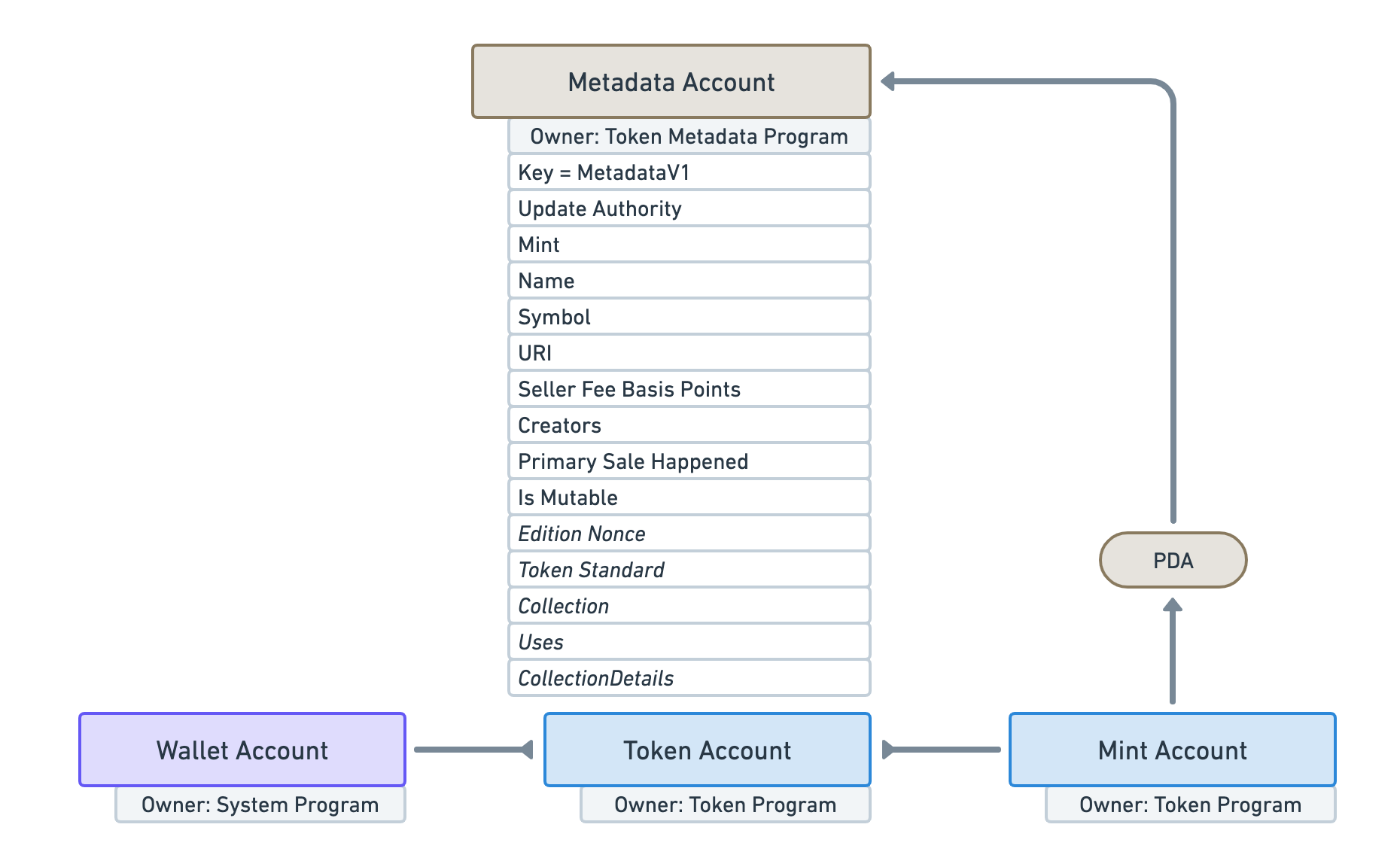
OpenSea returns an error if the mint address or token ID does not match a real asset. Double-check the mint parameter against your wallet. A single typo in the 32-character address breaks the update.
Payment verification timeout x402 requires a successful payment proof before the metadata updates. If the node times out, the payment might still be processing. Wait 30 seconds and retry the refresh. Do not send multiple payments.
Verify your setup against the OpenSea Refresh API docs if errors persist.
x402 metadata refresh FAQ
This section addresses common technical questions regarding latency, costs, and compatibility when refreshing NFT metadata via x402 endpoints.
How long does a metadata refresh take?
Latency varies by chain and provider. On Ethereum, Alchemy typically processes refreshes within seconds to minutes, depending on network congestion. Solana updates via QuickNode or Shyft are generally faster, often completing in under a minute. Always check your provider’s status page for real-time metrics.
Are there additional costs for refreshing metadata?
Yes. Most providers charge a fee per refresh request, separate from standard API calls. Alchemy, for example, includes a limited number of refreshes in its free tier, after which usage-based billing applies. Check your provider’s pricing page for specific rates.
Can I refresh metadata for NFTs on multiple chains?
Support depends on your provider. Alchemy’s refresh endpoint currently supports Ethereum mainnet. Solana updates require different tools like the Metaplex JS SDK or Shyft API. Ensure your x402 integration handles chain-specific endpoints and error codes appropriately.
No comments yet. Be the first to share your thoughts!