Why x402 fits metadata updates
NFT metadata is notoriously static. Once minted, an image or description rarely changes unless the project team manually intervenes. This creates a disconnect for dynamic use cases: gaming assets that level up, profile pictures that reflect real-time data, or generative art that evolves. Traditionally, updating this data required complex gas-based transactions or relying on off-chain servers that could go dark.
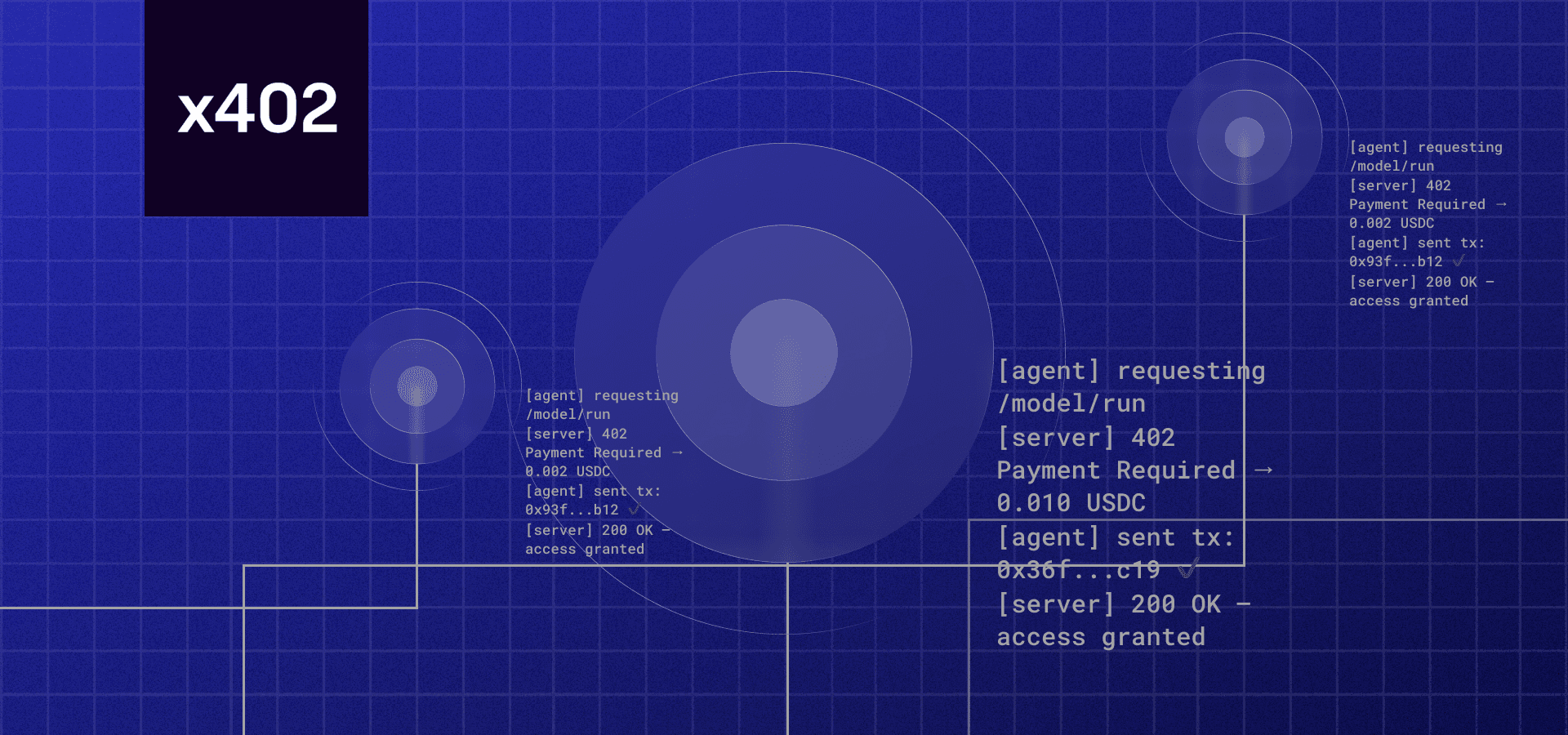
x402 solves this by turning metadata updates into a simple HTTP call. Instead of burning gas or managing a centralized database, your API endpoint accepts a payment in stablecoins (like USDC) to trigger a refresh. This is not just a payment gateway; it is a protocol-level integration that allows agents and users to pay for utility directly over the network layer.
For developers, this means you can build a "pay-per-update" model. A user sends a request to your endpoint, the x402 facilitator verifies the payment, and your server updates the IPFS or Arweave hash. It turns metadata management into a sustainable, automated revenue stream rather than a one-time minting cost. This aligns agent commerce with on-chain utility, ensuring that the data stays fresh as long as the demand exists.
Set up the x402 facilitator
To accept USDC payments for your NFT metadata refresh endpoint, you need a facilitator to handle the payment verification. Think of the facilitator as the bridge between your API and the blockchain; it listens for the transaction, confirms it happened, and then tells your server to release the protected data.
You can use either Thirdweb’s facilitator or Coinbase CDP’s facilitator. Both work similarly, but Thirdweb is often easier for quick prototypes, while Coinbase CDP offers deeper integration for enterprise-grade sellers.
Install the facilitator package
Start by installing the SDK for your chosen provider. For Thirdweb, use the @thirdweb-dev/facilitator package. For Coinbase, use the @coinbase/developer-platform-sdk.
npm install @thirdweb-dev/facilitator
This package gives you the pre-built endpoints to handle the payment flow without writing complex smart contract logic from scratch.
Configure your environment variables
Next, set up your environment variables. You’ll need your secret key and the facilitator’s base URL. These credentials allow your backend to verify the payment tokens that the facilitator issues.
# .env
THIRDWEB_SECRET_KEY=your_secret_key_here
FACILITATOR_BASE_URL=https://facilitator.thirdweb.com
Keep these keys secure. Never expose your secret key in client-side code or public repositories.
Initialize the facilitator instance
Create a facilitator instance in your backend. This instance will manage the payment verification process. You’ll pass your secret key and the facilitator URL to the constructor.
import { Facilitator } from '@thirdweb-dev/facilitator';

const facilitator = new Facilitator({
  secretKey: process.env.THIRDWEB_SECRET_KEY,
  baseUrl: process.env.FACILITATOR_BASE_URL,
});
This instance is your main interface for creating payment requests and verifying transactions.
Create a payment request
When a user requests an NFT metadata refresh, your API should first create a payment request. This request includes the amount, currency (USDC), and the metadata payload to be delivered.
const paymentRequest = await facilitator.createPaymentRequest({
  amount: '0.01', // 0.01 USDC
  currency: 'USDC',
  chainId: 137, // Polygon
  metadata: {
    tokenId: '123',
    refreshType: 'full',
  },
});
The facilitator returns a payment URL and a request ID. You’ll send this URL to the user’s wallet to complete the payment.
Verify the payment
Once the user pays, the facilitator will call your webhook endpoint to confirm the transaction. Your backend must verify this webhook to ensure the payment was successful before refreshing the metadata.
app.post('/webhook/x402', async (req, res) => {
  const { paymentId, status } = req.body;

  if (status === 'completed') {
    await refreshNFTMetadata(paymentId);
    res.status(200).send('Payment verified');
  } else {
    res.status(400).send('Payment not completed');
  }
});
This webhook is critical. It ensures that only paid requests trigger the metadata refresh, preventing abuse and ensuring you get paid for your service.
Connect to Solana or Ethereum
Integrating x402 endpoints for NFT metadata refresh requires choosing the right blockchain infrastructure. Solana and Ethereum handle on-chain data differently, which dictates how you interact with metadata APIs. Solana relies heavily on the Metaplex standard and direct account updates, while Ethereum often depends on indexer services like Alchemy or OpenSea to cache and serve updated token data.
Solana: Metaplex and Direct Updates
On Solana, metadata is stored directly on-chain as an account owned by the Metaplex Token Metadata program. To refresh this data, you typically use the @metaplex-foundation/js SDK to construct and send a transaction that updates the metadata account fields.
This process is more hands-on than on Ethereum. You need to construct the new metadata JSON, serialize it, and include the update instruction in a transaction signed by the authority wallet. The Solana Web3.js library handles the network communication. Because the data lives on-chain, the refresh is immediate once the transaction is confirmed.
For detailed implementation steps, refer to the QuickNode guide on updating Solana NFT metadata using TypeScript, which walks through the specific SDK calls required to modify the metadata account.
Ethereum: Alchemy and OpenSea Indexers
Ethereum NFT metadata is often stored off-chain (e.g., IPFS or HTTP URLs) in a JSON file linked by the token URI. When you update the source JSON, the blockchain token ID doesn't change, but the displayed metadata does. However, marketplaces and explorers cache this data, so you need to trigger a refresh.
Alchemy and OpenSea provide dedicated API endpoints for this purpose. Alchemy's refreshNFTMetadata endpoint submits a request to re-fetch and cache the metadata from the token URI. OpenSea offers a similar "Refresh" endpoint to update their internal records. These services act as intermediaries, ensuring that when a user views the NFT on their platform, they see the latest version.
Check the Alchemy documentation for the specific refreshNFTMetadata v3 endpoint details, or the OpenSea API reference for their metadata refresh endpoint.
Comparison of Metadata Refresh Methods
The table below contrasts the primary mechanisms for refreshing NFT metadata on Solana and Ethereum.
| Feature | Solana | Ethereum |
|---|---|---|
| Metadata Storage | On-chain account (Metaplex) | Off-chain JSON (Token URI) |
| Primary SDK | @metaplex-foundation/js | Alchemy.js or OpenSea API |
| Refresh Mechanism | Update metadata account via transaction | API call to indexer (Alchemy/OpenSea) |
| Confirmation | Immediate on-chain confirmation | Async caching by indexer |
| Authority Required | Yes (Metadata Update Authority) | No (Source JSON update triggers refresh) |
Gate the refresh endpoint
To prevent unauthorized metadata updates, you must wrap your update logic behind an x402 payment check. This ensures that only requests accompanied by a valid payment trigger the blockchain transaction. Without this gate, your endpoint becomes a public utility, vulnerable to spam and costly gas fees.
The core principle is simple: verify the payment before execution. If the payment is missing or invalid, reject the request immediately. This keeps your backend clean and your users accountable.
Start by checking for the x-payments header in the incoming request. This header contains the signed payment proof. If the header is missing, return a 402 Payment Required status code. This is the standard HTTP response for unpaid services.
Use the x402 SDK to verify the signature in the x-payments header. Ensure the payment was sent to your designated wallet address and that the amount matches your price. Invalid signatures or incorrect amounts should also trigger a rejection.
Once the payment is validated, proceed with your metadata update logic. This typically involves calling your smart contract’s update function or interacting with an IPFS gateway. Only now should you trigger the blockchain transaction, knowing the cost has been covered.
This flow ensures that your NFT metadata refresh endpoint is secure and monetized. By gating the logic, you create a reliable service that respects both developers and users. For more details on the verification process, refer to the Coinbase Developer Documentation.
Handle common API errors
Even with a solid x402 payment flow, API calls for NFT metadata refreshes can hit snags. Two status codes show up most often: 401 Unauthorized and 409 Conflict. Knowing how to fix them quickly keeps your refresh pipeline running.
401 Unauthorized
A 401 error means your authentication token is missing, expired, or invalid. For x402 endpoints, this usually points to a failed payment or an expired API key.
Check your headers first. Ensure the Authorization header contains a valid bearer token. If you are using x402 for payment, verify that the payment transaction confirmed on-chain. If the payment failed, the endpoint will reject the request.
const response = await fetch('https://api.example.com/nft/refresh', {
  method: 'POST',
  headers: {
    'Authorization': 'Bearer YOUR_VALID_TOKEN',
    'Content-Type': 'application/json'
  },
  body: JSON.stringify({ tokenId: '123', contract: '0x...' })
});
If the token is expired, refresh your credentials before retrying. Do not retry with the same expired token.
409 Conflict
A 409 Conflict error happens when the server cannot complete the request due to a state conflict. In NFT metadata refreshes, this often occurs when you send multiple refresh requests for the same token simultaneously.
Most NFT APIs use idempotency keys to prevent duplicate processing. If you send two requests with the same idempotency key, the server returns the same response. If you send two requests with different keys for the same token, the server may block the second one to prevent race conditions.
const idempotencyKey = crypto.randomUUID();
const response = await fetch('https://api.example.com/nft/refresh', {
  method: 'POST',
  headers: {
    'Idempotency-Key': idempotencyKey,
    'Authorization': 'Bearer YOUR_TOKEN'
  },
  body: JSON.stringify({ tokenId: '123', contract: '0x...' })
});
If you see a 409, wait a few seconds and retry with the same idempotency key. This ensures the server processes the request only once. For more details on idempotency, see the Fireblocks API Reference.
Verify the update on-chain
Your payment cleared, but the blockchain doesn't care about your confidence. You need proof that the metadata actually changed. This section walks you through the final checks to ensure the x402 payment triggered the desired state change.
Locate the transaction hash from your x402 payment response. Paste it into a block explorer like Solscan or Etherscan. Look for the updateMetadata or equivalent instruction. If the status is Success, the network accepted the change.
Block explorers show the transaction, but not the new data. Use the NFT Metadata API (like Alchemy's refresh endpoint) to fetch the current URI. Compare the returned JSON against your intended update. This confirms the on-chain pointer now references the correct content.
Marketplaces cache metadata aggressively. Even if the chain is correct, the NFT might look broken on OpenSea or Magic Eden for a few minutes. Wait for the marketplace indexer to pick up the new URI. Check the live page to ensure the image and attributes display correctly.
No comments yet. Be the first to share your thoughts!