Why agents need paid metadata refreshes
AI agents operate on a simple constraint: they cannot browse the web like humans. They require structured data to make decisions, and for NFTs, that data lives in metadata. The problem is that NFT traits change. Rarity scores shift, new media assets are added, and marketplace listings update in real time. If an agent relies on a cached snapshot from last week, it is making decisions based on stale information.
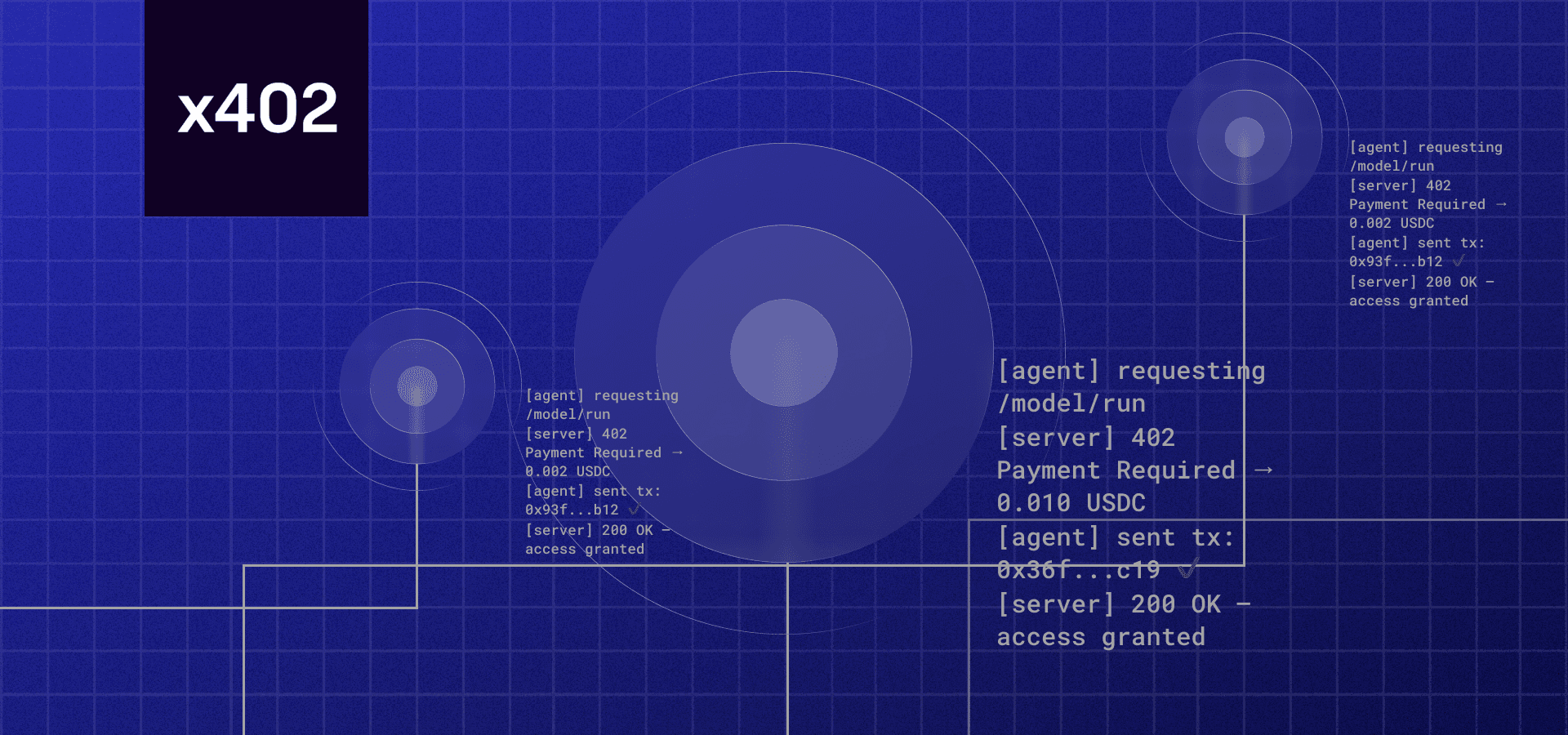
Manually refreshing this data is inefficient and expensive. Hiring a human to check an OpenSea listing or an Alchemy endpoint for every single token in a portfolio is not scalable. This is where the x402 protocol changes the game. It allows you to build an endpoint that automatically verifies a USDC payment before returning fresh, validated metadata.
By integrating x402, you create a self-sustaining loop. Agents pay a tiny fraction of a cent for accurate data, and you get monetized for keeping that data live. This isn't just about convenience; it's about building a reliable infrastructure for the next generation of automated marketplaces.
Setting up the x402 payment gateway
To monetize your NFT metadata refresh endpoint, you need to configure a backend that accepts USDC payments via the x402 protocol. This setup turns your API into a pay-to-use service, allowing buyers or AI agents to settle costs before accessing updated metadata.
1. Initialize your project with the CDP SDK
The Coinbase Developer Platform (CDP) provides the most robust starting point for sellers. Begin by installing the @coinbase-pay/sdk package in your backend environment. This SDK handles the complex cryptography required to sign payment requests and verify on-chain settlements securely.
2. Configure the payment request
Create a function that generates a signed payment request for each API call. This request should include the specific amount in USDC, the recipient wallet address, and a unique transaction identifier. The SDK will sign this payload, creating a cryptographically secure token that proves the buyer’s intent to pay.
3. Implement the verification middleware
Before your endpoint processes any metadata refresh, it must verify that the payment has settled on-chain. Add middleware to your API route that checks the transaction hash provided by the client against the blockchain. Only proceed with the metadata update if the transaction is confirmed and the funds are in your wallet.
Run npm install @coinbase-pay/sdk in your terminal to add the necessary dependencies for handling x402 payments.
Use the SDK to create a signed payment request object that includes the USDC amount and your wallet address.
Implement a verification layer that checks the blockchain for the transaction hash before allowing access to the metadata endpoint.
4. Handle errors and edge cases
Payment flows can fail due to network congestion or incorrect transaction hashes. Implement robust error handling to catch InsufficientFunds or InvalidSignature errors. Return clear HTTP status codes (like 402 Payment Required) to guide clients on how to retry the transaction correctly.
Integrating NFT Metadata Refresh Endpoints
To monetize metadata updates, you need a backend that accepts an x402 payment before triggering the refresh. This section walks through the integration of the three primary refresh methods: OpenSea, Alchemy, and direct chain calls.
Start by configuring your backend to recognize the x402 payment header. When a user requests a metadata refresh, your server must intercept the request and verify that a valid USDC payment has been received on-chain. Use a provider-backed widget to track the current USDC price to ensure your pricing model remains accurate.
Select the provider that best fits your chain and volume. OpenSea and Alchemy offer managed APIs that handle the heavy lifting, while direct chain calls give you full control but require more infrastructure. Compare the trade-offs below to decide which method fits your workflow.
| Provider | Speed | Cost | Reliability |
|---|---|---|---|
| OpenSea | Fast (Cached) | API Limit | High |
| Alchemy | Fast (Cached) | API Limit | High |
| Direct Chain | Slow (On-chain) | Gas Fees | Medium |
Once payment is verified, trigger the refresh. For OpenSea, send a POST request to their refresh endpoint with your API key and the token ID. For Alchemy, use their NFT Metadata endpoint to update the cached data. If you are using direct chain calls, construct the transaction to update the metadata URI on the smart contract.
- OpenSea: Refresh NFT Metadata Docs
- Alchemy: Refresh NFT Metadata Docs
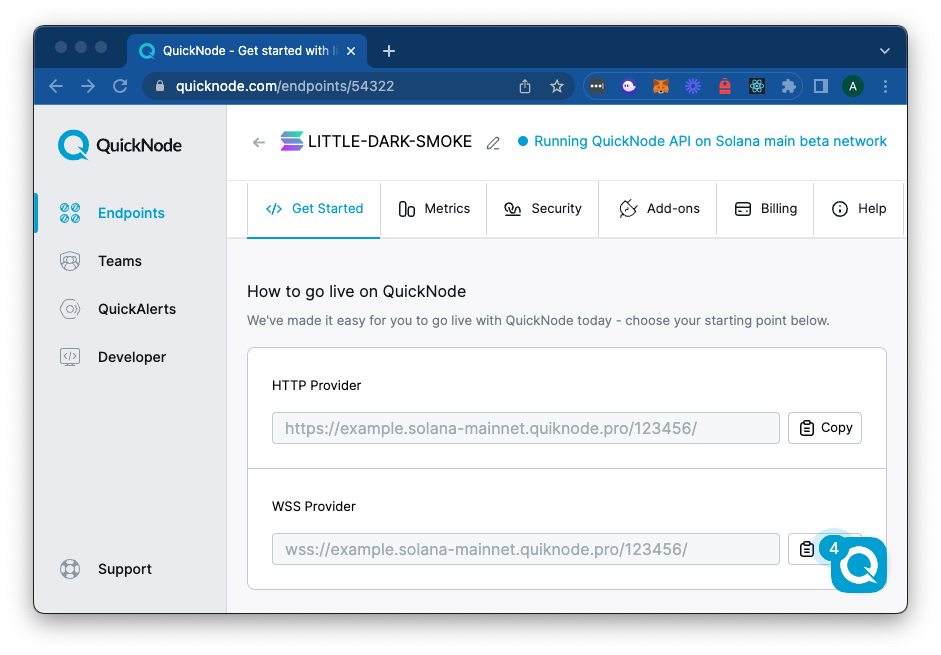
After the request is sent, poll the NFT’s metadata endpoint to confirm the changes have propagated. For managed providers, this usually takes a few seconds. For direct chain updates, you must wait for block confirmation. Display a success message to the user only after the metadata is confirmed updated.
Error Handling and Retries
Network requests to metadata APIs can fail. Implement a retry mechanism with exponential backoff for transient errors (5xx status codes). For permanent errors (4xx), log the failure and notify the user that the refresh failed due to invalid input or API limits. Always check your API rate limits to avoid being blocked during high-volume refreshes.
Handling Errors and Failed Payments
Even with a solid x402 implementation, network hiccups and API rejections are inevitable. You need a strategy to catch these failures early so your agent doesn't silently drop a transaction or charge a user for nothing. The most common culprits are authentication errors, invalid signatures, and unconfirmed on-chain transactions.
Authentication and Signature Failures
A 401 Unauthorized or 403 Forbidden response usually means your agent's signature is invalid or expired. Before the transaction hits the blockchain, ensure your wallet is correctly signing the payment payload according to the x402 spec. If the signature doesn't match the expected format, the endpoint will reject it immediately. Check your key management and ensure the nonce or timestamp hasn't drifted out of the allowed window.
Transaction Confirmations
A 202 Accepted response is not a guarantee of payment. It only means the transaction was submitted to the mempool. You must monitor the transaction hash for finality. If the transaction reverts or times out, the metadata refresh should not trigger. Implement a retry loop with exponential backoff for temporary network congestion, but fail fast if the transaction is definitively dropped or reverted.
Recovery Steps
When a payment fails, log the error code and the transaction hash for debugging. Do not attempt to refresh the metadata until the payment state is resolved. If the user retries, ensure you aren't double-charging them by checking the transaction status against the blockchain explorer before proceeding.
Validate the on-chain proof
Before you consider the transaction settled, you need concrete evidence that the metadata refresh actually occurred. This step separates a successful payment from a failed execution, ensuring the buyer receives the updated asset state they paid for.
Check the transaction receipt
The first point of verification is the transaction receipt itself. If you are using a provider like Alchemy or Infura, the receipt will contain the logs array. Look for the TransferMetadata event (or the specific event emitted by your contract). If the receipt shows a status of 1 (success) but the logs are missing or empty, the transaction may have reverted silently or the event was not indexed correctly.
Verify the metadata hash
Once the transaction is confirmed, compare the on-chain storage against the payload you sent. For ERC-721 and ERC-1155 standards, this often means checking the tokenURI or the direct metadata bytes stored in the contract. Use a block explorer like Etherscan or Hedera Explorer to view the raw storage slot. The hash or URL returned here must match the new metadata payload exactly.
Use a metadata validator
If you are working with complex schemas like HIP-412 on Hedera, manual verification is error-prone. Use an official metadata validator to ensure the JSON structure is valid before and after the update. Uploading the updated JSON file to a validator like the one in Hedera NFT Studio confirms that the schema compliance hasn't broken during the refresh process.
Confirm the update is live
Finally, fetch the token metadata directly from the contract or a decentralized storage provider like IPFS. If the tokenURI points to an IPFS hash, use a gateway like ipfs.io or gateway.pinata.cloud to retrieve the file. The content returned must reflect the changes you just paid for. If the old data persists, the refresh transaction may not have propagated to the indexer yet, or the contract logic requires a manual trigger.
Frequently asked questions about x402
How do I check if my NFT metadata is valid before a refresh? Use the Metadata Validator to ensure your JSON aligns with HIP-412 standards. You can upload a single JSON file, a CSV, or a zip archive to catch schema errors before they hit the blockchain.
How does x402 verify the payment for a metadata update? The endpoint requires a valid USDC payment signed by the requester. The smart contract validates the transaction hash and amount before triggering the metadata refresh logic.
What happens if the metadata refresh fails? The transaction reverts, and the USDC payment is returned to the requester. No partial state changes are applied, so you can retry with corrected data without financial loss.
No comments yet. Be the first to share your thoughts!